
The hardest part of security reporting is not collecting data, it is deciding what to measure. This library gives you 153 cybersecurity risk indicators already written, structured across Identify, Protect, Detect, Respond and Recover, so the argument about what to report starts from a list rather than a blank page.
On this page:
- Why a metrics programme usually stalls at the first meeting
- What is inside the cybersecurity risk indicators pack
- Thresholds are the part that turns a number into an indicator
- Who the cybersecurity risk indicators pack is written for
- What the cybersecurity risk indicators pack does not do
- Frequently asked questions
- Related toolkits
Why a metrics programme usually stalls at the first meeting
Teams asked for board reporting tend to start with whatever their tools happen to emit – patch counts, ticket volumes, blocked emails – and discover a quarter later that none of it answers the question the board was actually asking. The measures that matter are chosen before the data is pulled, not after.
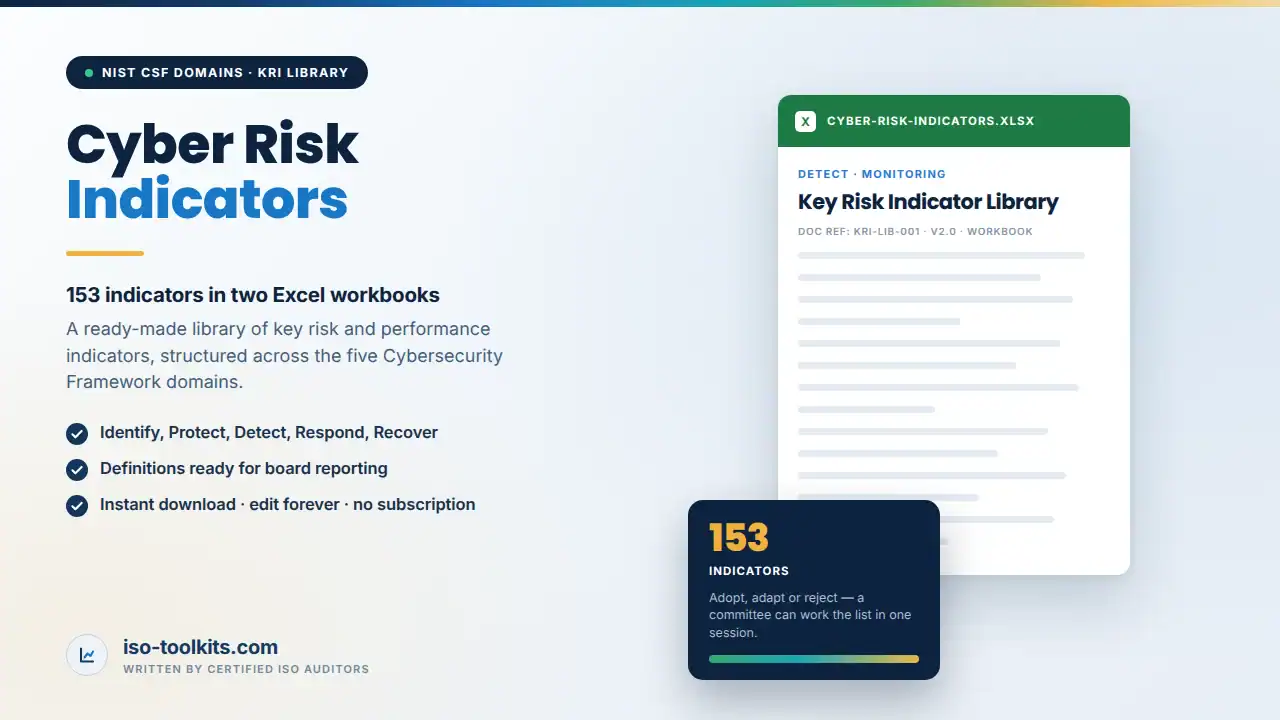
Two Excel workbooks here carry 153 indicators designed against the NIST Cybersecurity Framework domains. Each is an indicator you can adopt, adapt or reject, which is a far faster conversation than inventing them. A security committee can work through the list in one session and leave with twenty it will actually track.
Used properly, cybersecurity risk indicators do four things: they surface risk early, while there is still time to act; they let risks be prioritised against each other rather than argued about individually; they give decisions something to rest on; and they show whether security investment changed anything. Without a defined set, none of those are available.
What is inside the cybersecurity risk indicators pack
Two Excel workbooks, 153 indicators in total, structured across the five domains of the NIST Cybersecurity Framework.
- Identify – asset coverage, inventory accuracy, risk assessment currency and third-party exposure measures.
- Protect – access control, privileged account, awareness training, patching and configuration measures.
- Detect – monitoring coverage, alert quality, detection latency and log completeness measures.
- Respond – incident volume and severity, response times, containment and escalation measures.
- Recover – restoration times, backup success, continuity exercise and lessons-learned measures.
- Structured layout – each indicator has its domain, its definition and the space for your threshold and current value.
- Both workbooks editable – plain Excel, no macros, no add-on, no login.
Thresholds are the part that turns a number into an indicator
A measure becomes a key risk indicator when it has a threshold, because that is what converts a number into a signal. Ninety-two per cent patched means nothing on its own; ninety-two per cent against a threshold of ninety-five means something, and against a threshold of eighty-five it means something else.
The workbooks leave the threshold column for you deliberately. A threshold that is right for a regulated bank is wrong for a fifty-person software company, and a library that pre-fills them is guessing about your risk appetite. What the library does supply is the indicator, its domain and its definition, which is the part that takes a committee weeks to produce.
From there the reporting builds itself: a handful of cybersecurity risk indicators per domain, each with a threshold, a current value and a direction of travel. That is a board pack, and it is the same structure a regulator or an insurer will recognise.
Who the cybersecurity risk indicators pack is written for
- Security and IT risk managers asked to report to a board, an audit committee or an executive team.
- Organisations building a metrics programme for the first time.
- Teams aligning reporting to the NIST Cybersecurity Framework domains.
- Risk functions that want a starting library rather than a consultancy engagement.
What the cybersecurity risk indicators pack does not do
It does not collect data. These are indicator definitions in Excel; the instrumentation is yours.
It does not set your thresholds, and a library that claimed to would be guessing about your risk appetite.
It is not a full risk management method. If you need assessment and treatment as well, the NIST SP 800-30 pack covers that.
Frequently asked questions
What exactly do I get?
Two Excel workbooks containing 153 key risk and key performance indicators, structured across the five NIST CSF domains.
Are the thresholds included?
No, by design. Thresholds depend on your risk appetite and your sector. The definitions, domains and structure are what the library supplies.
Can we use this alongside ISO 27001?
Yes. The indicators map comfortably onto ISO 27001 clause 9.1 monitoring and measurement requirements even though they are structured on the CSF domains.
Do the workbooks need macros?
No. Plain Excel, fully editable.
Related toolkits
Pair it with the NIST cyber risk management toolkit for the assessment method, the NIST CSF toolkit for the full framework build, or the ISO 27001 toolkit where clause 9.1 monitoring has to be evidenced. NIST publishes the Framework free at nist.gov/cyberframework.
Implementing for clients? The Consultant Package licenses all 86 toolkits and assessment tools on this site for unlimited client engagements, under one firm-wide licence. One payment of $1,399, no subscription and no per-client fee.
Delivery, format and licence
The cybersecurity risk indicators pack downloads immediately after checkout as native Microsoft Word and Excel files. Nothing is locked, nothing is a PDF you cannot edit, and no add-on or portal login is needed to open it. Every organisation-specific value is marked as a placeholder so you can see what still has to be decided.
One payment, no subscription and no annual renewal. The source files behind the cybersecurity risk indicators pack are yours to adapt for your own organisation for as long as you need them, including future revisions of your own documents.




Reviews
There are no reviews yet.